Aisystant
The international platform for IWE and the practice of systems mastery.
OpenBuilding · Engineering · Management
Creator of the Intelligent Working Environment (IWE). Co-founder of Aisystant Corp, building an ecosystem for intelligence development around it. In all three, a person works, grows on their own, and grows the environment right alongside themselves.
I believe there has never been a better time in history to build and create.
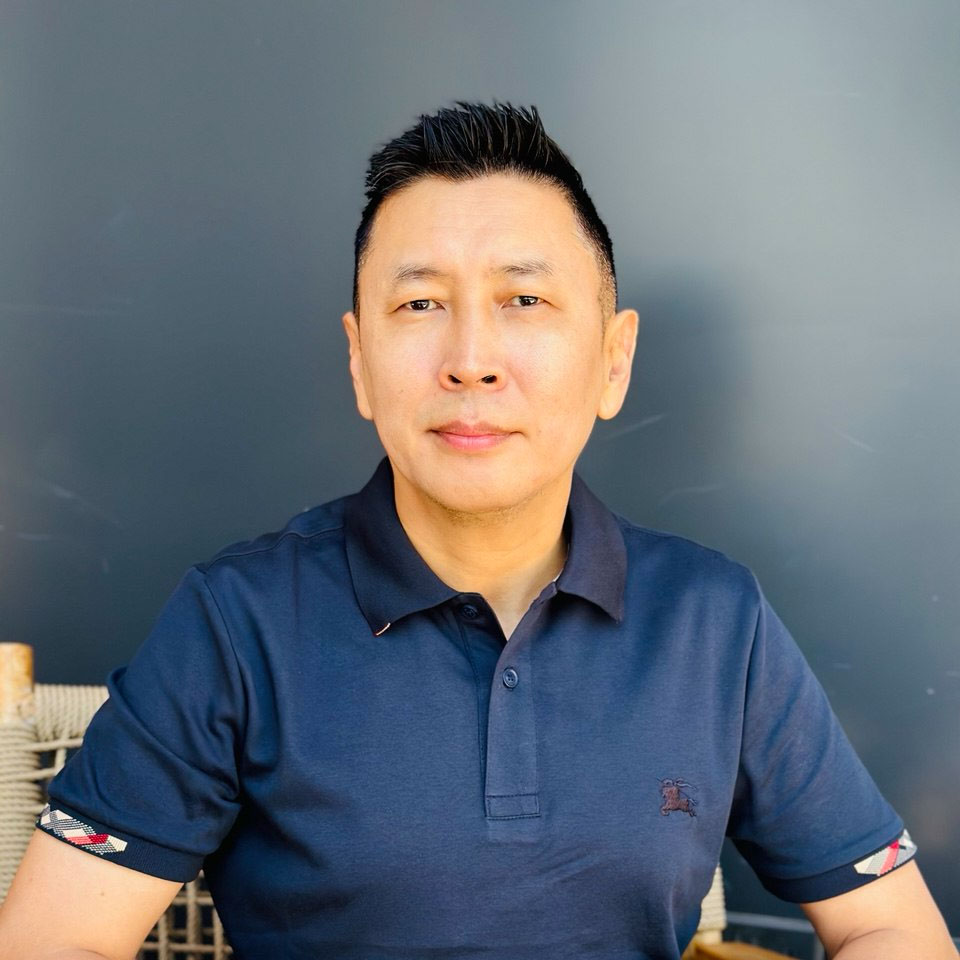 Purpose. Systems. Results.
01 / Systems I build
A person together with their AI environment, an organisation, and a community: three connected systems that I build and develop.
Person + AI environment
I build the person and their AI environment as one system. Within it, IWE helps people think, learn, and act while retaining authorship of their work.
Organisation
I develop the organisation as Aisystant for an international audience and the Workshop for Engineers and Managers for Russian-speaking audiences. My work spans strategy, operations, and product creation.
Community and ecosystem
More than 13,000 people across more than 30 countries. I develop a community and ecosystem that connect people, shared practice, and an environment for building.
02 / Practice and ideas
Explore the library03 / Explore a question
Describe what you want to build or change. The assistant will draw on my public work and point you to the next useful reading.
Built on my public work
Browse the materialsYour question is sent to our server to search public materials. When an AI answer is available, it appears with its sources.
04 / Lifework
My work connects the development of people with the systems they create. My philosophical interests reach further: the future of society and civilisation, the frontiers of science, and our understanding and exploration of the cosmos.
Read about the workFor your own AI assistant · MCP
Connect a selection of my published work to an AI assistant that supports remote MCP servers. Search, reading, and original source links are available.
Codex CLI
codex mcp add iwe --url https://open.tserenov.com/mcp
Claude.ai
ConnectThis method isn't officially documented by Anthropic — it may stop working.
Didn't open? Copy the address above and add it manually: Settings → Connectors → Add custom connector.
Open the settings of an AI app that supports remote MCP servers.
Add the server address below. It provides search and reading for public materials only.
Check the answer against the linked sources, then explore your own task.
06 / Directions
A few resources connected to my work. Each link leads somewhere separate.
The international platform for IWE and the practice of systems mastery.
OpenThe template and documentation for the IWE environment. Open — you can deploy your own.
OpenIn 2015, Anatoly Levenchuk and I started the School of Systems Management — I wrote its concept and, on my 43rd birthday, decided to pursue this work for real. In 2025 the school became the Workshop for Engineers and Managers: not just a new name but a different approach — a workshop where mastery is cultivated, and a community where people keep growing for life. This is my work, and I grow in it myself.
Open